Tenant settings
The Settings group in the sidebar holds three pages that shape how the console looks and opens for everyone in your tenant: Branding, Map and Language. This chapter is for tenant administrators.
Each page follows the same pattern. A field you leave empty inherits a default: the one your instance operator has set, or the built-in one when the operator has set nothing. Each page needs its own permission. Without it the page is not listed in the sidebar, and if you open it by its address it shows only which permission to ask for.
Branding
Branding white-labels the console for your tenant: the title, the colours and the logo.
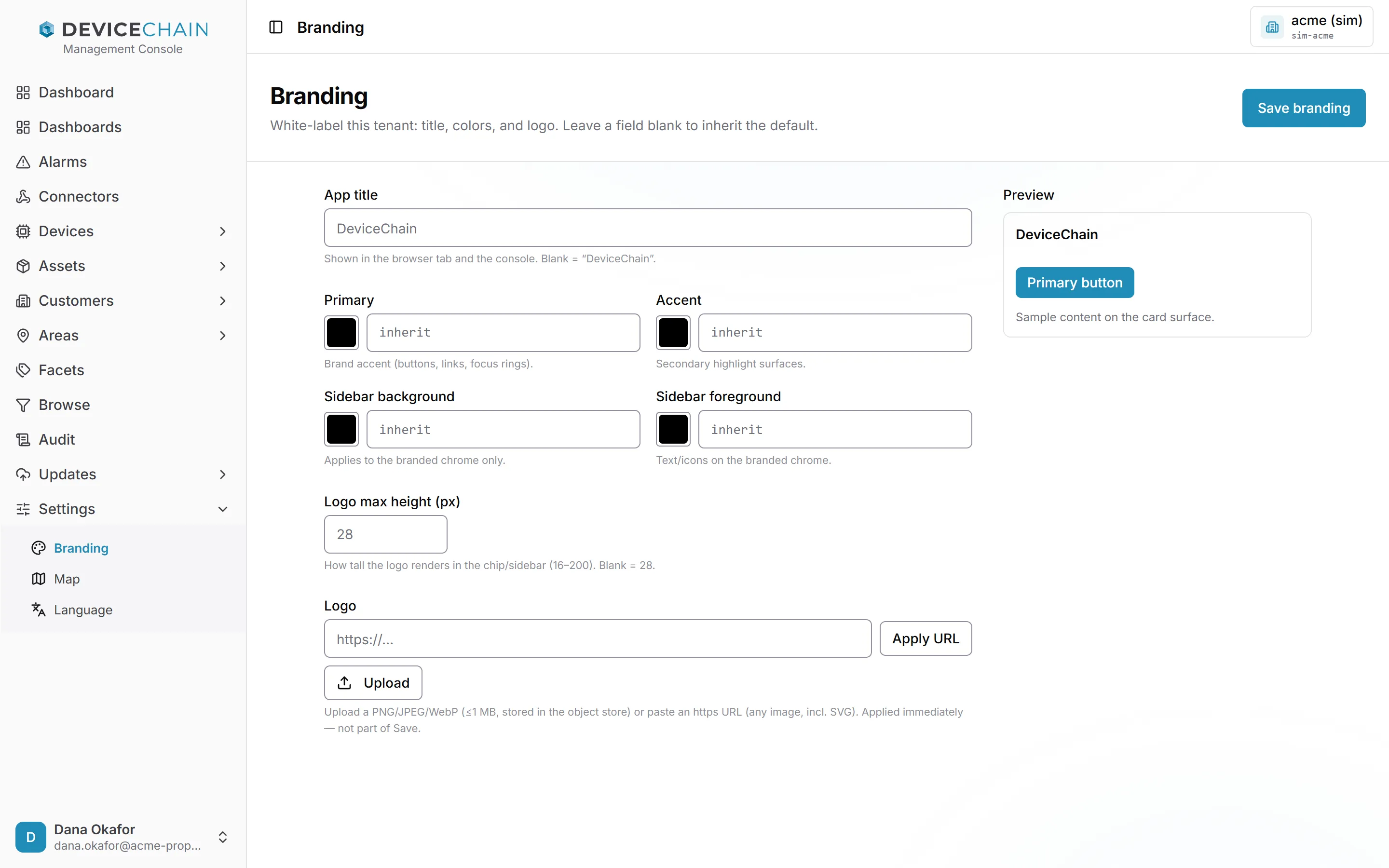
The fields:
- App title is shown in the browser tab and the console. Empty inherits the default, which is DeviceChain unless your operator changed it.
- Primary colours buttons, links and focus rings. Accent colours secondary highlights.
- Sidebar background and Sidebar foreground colour the sidebar and the text and icons on it. They do not change the page itself, which keeps its light or dark theme.
- Logo max height (px) sets how tall the logo appears in the sidebar, from 16 to 200. Empty inherits the default, which is 28 unless your operator changed it.
Type a colour as a six-digit hex code, such as #1f9fb7, or use the swatch to pick one. Clear a
field to go back to inheriting. The Preview card shows the title (or the logo, once one is set)
and a primary button as you change them. If a colour pairing is hard to read, the page warns you, but still lets you save.
Choose Save branding to apply the title, colours and logo height.
The Logo is handled separately and takes effect immediately, without Save branding:
- Upload a PNG, JPEG or WebP file of up to 1 MB, or
- paste an
https://address of an image you host (SVG works here) and choose Apply URL.
Remove logo clears it. The sign-in page always shows the standard DeviceChain brand, because no tenant is known until someone signs in. See White-labeling and branding for how the defaults combine.
Map
Map sets the map tiles that this tenant's geofence editor and dashboard map widgets draw on, and where a new geofence opens. The bar at the top of the page reads Basemap.
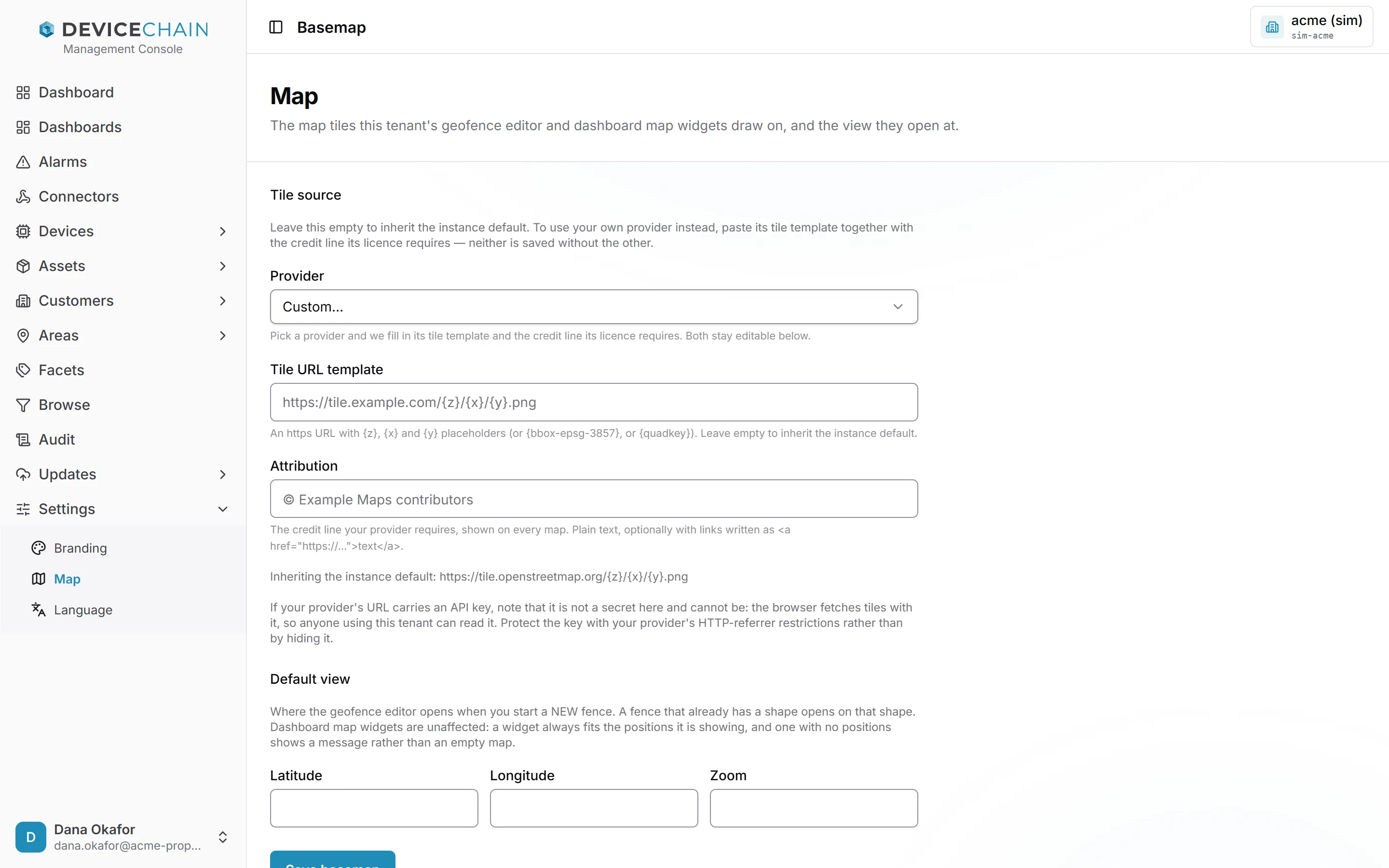
Tile source. Leave it empty to inherit the instance default; the page shows which one that is. To use your own provider:
- Pick it from Provider. The console fills in the Tile URL template and the Attribution that the provider's licence requires. Some providers also ask for an API key. For a provider that is not listed, choose Custom… and fill in both fields yourself.
- Check the two fields. The tile URL must start with
https://and contain the{z},{x}and{y}placeholders (or{bbox-epsg-3857}or{quadkey}). - Choose Save basemap.
The tile URL and its attribution are saved together or not at all, because showing a provider's tiles without its credit line breaks its licence.
The browser fetches tiles with the key in the URL, so anyone using this tenant can read it. Protect the key with your provider's HTTP-referrer restrictions instead.
Default view. Latitude, Longitude and Zoom set where the geofence editor opens when you start a new fence. Latitude and longitude go together: set both or neither. A fence that already has a shape opens on that shape, and dashboard map widgets always fit what they are showing, so neither uses this view.
See Basemaps for choosing a provider and the exact rules.
Language
Language sets the language the console opens in for members of this tenant who have not chosen one for themselves. The bar at the top of the page reads Locale.
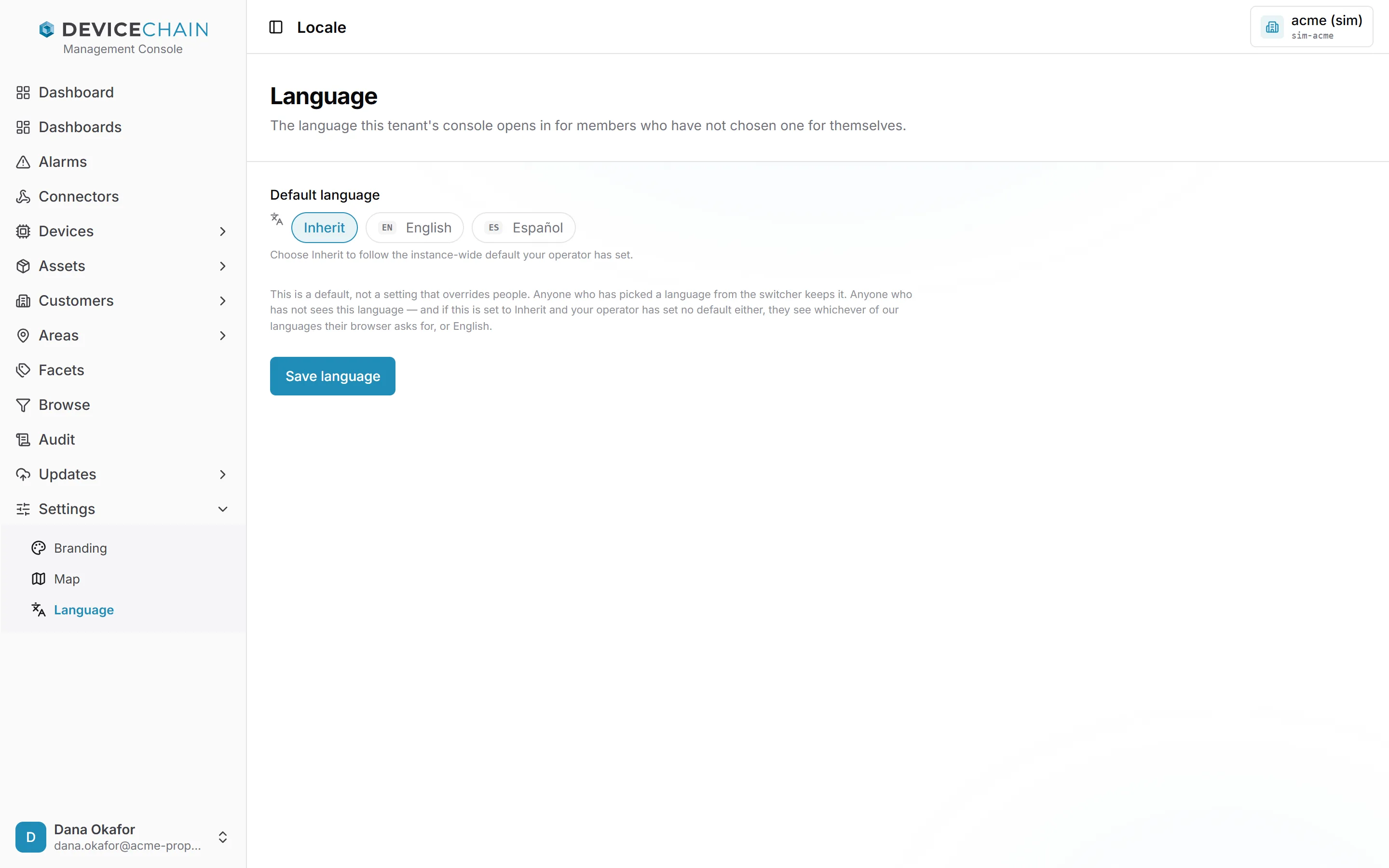
Choose Inherit to follow the instance-wide default your operator has set, or pick a language, then choose Save language.
This is a default, not an override. Anyone who has picked a language from the user menu keeps it. The console chooses a language in this order:
- the language the person picked;
- this tenant's default;
- the instance default;
- the languages the person's browser asks for;
- English.
See Default language for the instance setting.
Related
- White-labeling and branding
- Basemaps
- System settings, for the instance-wide defaults an operator sets